
Kling 4.0 Guides and Comparisons
Dated release notes, head-to-head model comparisons and practical how-tos for Kling 4.0, written by the Kling4 team.
Start here
Each post answers one question. Find the one that matches yours and skip the rest.
What Kling 4.0 is and when it shipped
New to the model? Begin with Kling 4.0 release date and specs. It puts dates on the rollout, from Flash early access on September 28, 2026 to the general release on October 15, and sorts the announced features into those you can use on Kling4 now and those that are still Kling-only or due later. The other posts take that baseline for granted.
Choosing a model
Which model fits a shot depends on clip length, cost per second and the inputs you have, not only on picture quality. Three comparisons work through those trade-offs:
- Kling 4.0 vs Kling 3.0 covers when the older version is still the better call, for example when you want its 4K setting or a lower credit price per second.
- Kling 4.0 vs Veo weighs Google's short clips, which grow into longer scenes through extension, against a single Kling take of up to 30 seconds.
- Kling 4.0 vs Seedance looks at ByteDance's model, which reached the 30-second mark first, and where each one does better.
If the first comparison tells you the older version suits your project, the Kling 3.0 page runs it directly. Veo and Seedance aren't available here, because Kling4 only offers Kling models, so treat those two posts as research before you pick a tool.
Getting better results
Once you're generating, these pick up where the specs leave off:
- The Omni Reference guide shows how to give Kling 4.0 your own photos, product shots or a reference clip, and how to name each file's job in the prompt.
- How to use Kling 4.0 is the step-by-step tutorial, from an empty prompt box to a finished clip.
- The prompt library collects prompts we ran on Kling4, each shown beside the clip it produced, ready to copy.
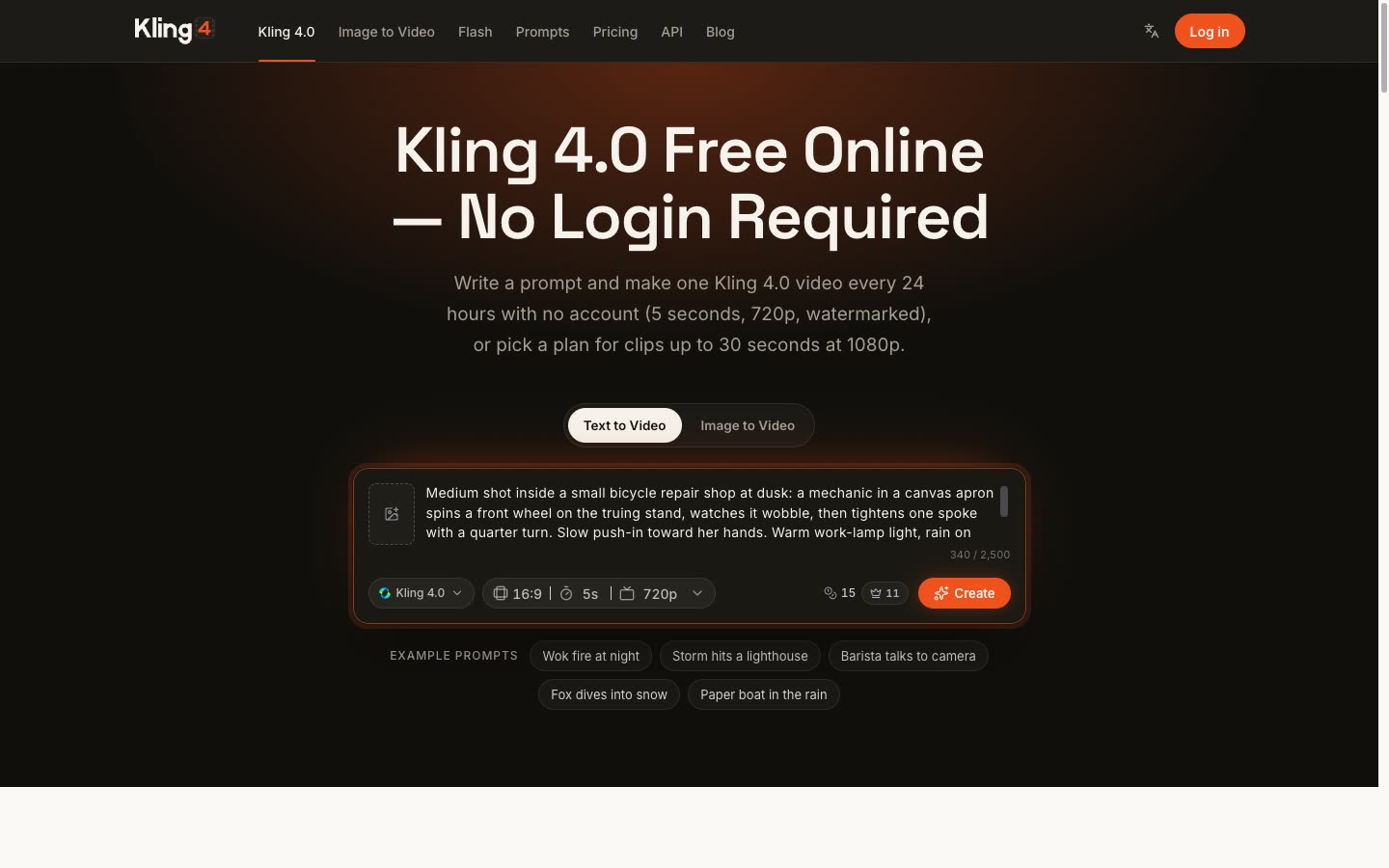
Prefer to learn by doing? Try Kling 4.0 in your browser: one 5-second, 720p clip with a watermark is free every 24 hours, and you don't need an account.
All posts
How to Use Kling 4.0: Step-by-Step Guide for Beginners
A practical Kling 4.0 tutorial: write the prompt, pick length and resolution, add reference images, and fix the most common failures.
Read guide
Kling 4.0 Omni Reference: Use Up to 15 References
How Kling 4.0 Omni Reference keeps characters, products and styles consistent across shots, with sample multi-reference setups.
Read guide
Kling 4.0 Release Date, Features & Specs (2026)
When Kling 4.0 came out, what changed from Kling 3.0, and the full specs: 30-second takes, 4K 10-bit HDR, Omni Reference and keyframes.
Read guide
Kling 4.0 vs Kling 3.0: Side-by-Side Demos & Key Differences
How Kling 4.0 differs from Kling 3.0: clips side by side, the spec changes, and which model to use for each job.
Read guide
Kling 4.0 vs Seedance: Which Model Wins Which Shot
Kling 4.0 and Seedance side by side: where each model is stronger, how long the clips run, and what each costs to generate.
Read guide
Kling 4.0 vs Veo: Specs, Demos & Which to Use
Kling 4.0 and Google Veo compared on length, audio, references, camera control and cost per clip, with official demos of each.
Read guide